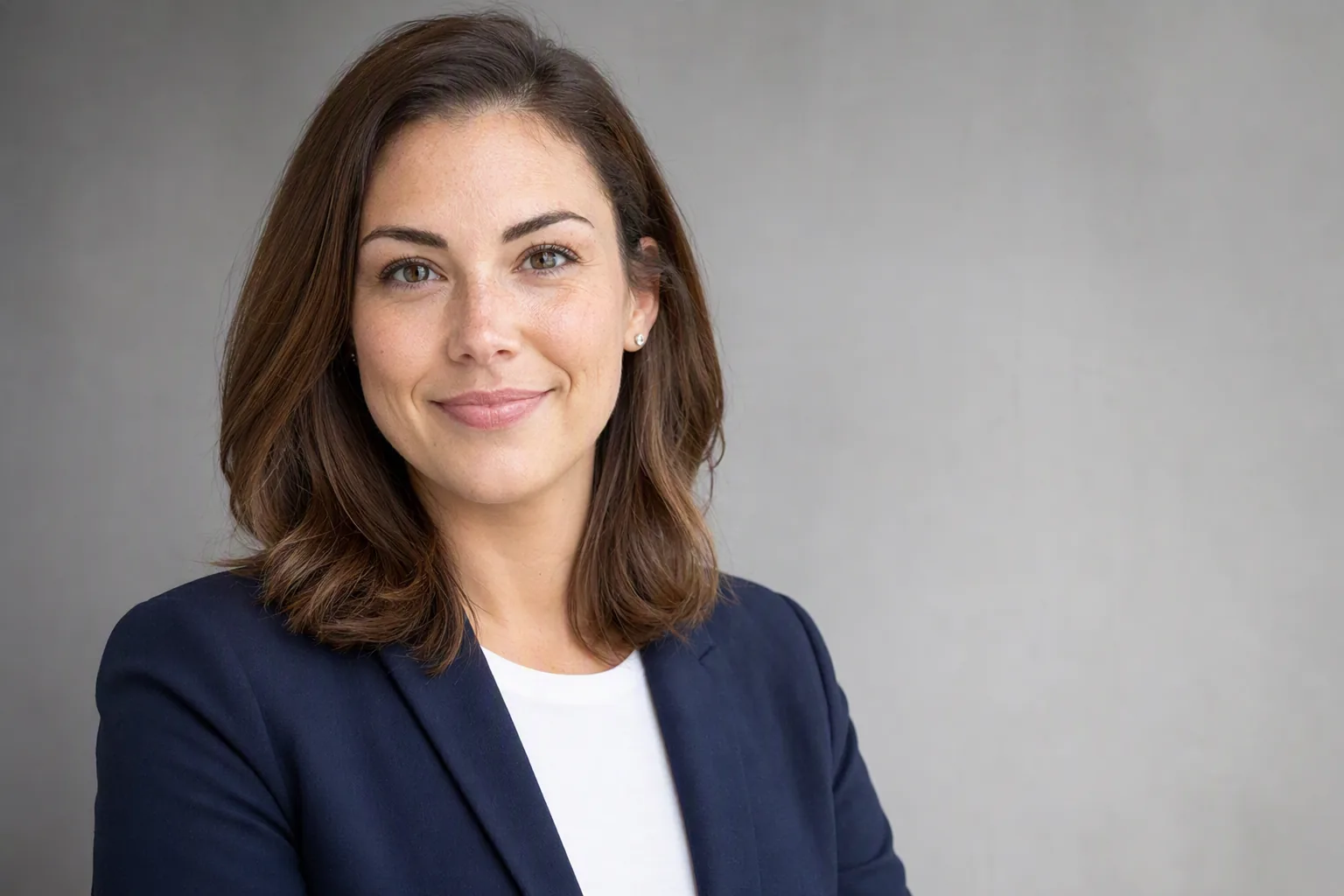
Your headshot is often the first impression you make in a professional context. It appears on LinkedIn, company websites, conference programs, email signatures, and business cards. Despite its importance, most people put off getting a professional headshot because of the cost, time, and awkwardness of a traditional photo session. A studio session with a professional photographer typically costs $150 to $500, requires scheduling weeks in advance, and involves an uncomfortable hour of posing under studio lights.
AI headshot generators have fundamentally changed this equation. They take a standard selfie - shot on your phone in natural light - and transform it into a polished, professional-looking photograph with studio-quality lighting, a clean background, and natural retouching. The process takes minutes, not hours, and costs a fraction of traditional photography.
Why Professional Headshots Matter
Before diving into the technology, it is worth understanding why headshots matter in the first place:
- LinkedIn profiles with professional photos receive 14 times more views than those without. Recruiters consistently report that a polished headshot signals professionalism and attention to detail.
- First impressions form in milliseconds. A blurry, poorly lit selfie or a cropped group photo communicates a very different message than a clean, well-lit headshot.
- Consistency across platforms builds personal brand. Using the same professional photo on LinkedIn, your company bio, conference materials, and social media creates a cohesive professional identity.
How AI Headshot Generation Works
AI headshot generators use generative models - specifically diffusion models and GANs (generative adversarial networks) - trained on millions of professional photographs. Here is the simplified process:
- Face detection and analysis: The AI identifies your face, maps your features, and understands your facial structure, skin tone, and proportions.
- Style transfer: Based on the photoshoot mode you select (corporate, creative, casual, etc.), the AI applies professional lighting, background, and color grading that matches the aesthetic of real studio photography.
- Natural retouching: The AI smooths minor blemishes, evens skin tone, and enhances sharpness while preserving your natural appearance. The goal is "best version of you," not an unrealistic filter.
- Output generation: The final image is rendered at high resolution, suitable for both digital profiles and print materials.
AI Headshots for LinkedIn
LinkedIn is the number one use case for AI headshots. Here are specific tips for generating a LinkedIn-optimized headshot:
- Choose a corporate or business casual style. Visio's photoshoot modes include options specifically designed for professional contexts - clean backgrounds, neutral tones, and polished lighting.
- Opt for a neutral expression. A slight, natural smile reads as approachable and confident. Avoid overly enthusiastic grins or completely stoic expressions.
- Use a head-and-shoulders crop. LinkedIn's circular profile frame works best when your face fills roughly 60% of the image. AI generators typically handle this framing automatically.
- Match your industry. A creative director can get away with a more artistic, moody headshot. A corporate attorney or financial advisor should lean toward classic, conservative lighting and framing.
AI vs. Traditional Photography
Both approaches have strengths. Here is an honest comparison:
- Cost: AI headshots are dramatically cheaper - often free or under $10. Traditional sessions run $150–$500+.
- Time: AI generates results in minutes. Traditional photography requires scheduling, a session (30–60 minutes), and editing turnaround (1–7 days).
- Quality: For profile photos and digital use, AI headshots are virtually indistinguishable from studio work. For large-format print, billboards, or magazine features, traditional photography still has an edge in resolution and fine detail.
- Customization: A skilled photographer can direct your pose, adjust lighting in real time, and capture candid moments. AI generators offer style presets but less dynamic control.
- Accessibility: AI headshots require only a phone and an app. Traditional photography requires proximity to a photographer, scheduling flexibility, and often travel.
Best Practices for Your Input Selfie
The quality of your AI headshot depends heavily on the quality of your input photo. Follow these guidelines:
- Natural lighting: Stand near a window or step outside on a cloudy day. Avoid direct overhead sun (harsh shadows) and warm indoor lamps (color cast).
- Front-facing angle: Look straight at the camera. A slight turn is fine, but avoid extreme angles.
- Neutral background: A plain wall or open sky works best. The AI will replace the background, but a clean starting point helps with edge detection.
- No sunglasses or heavy filters: The AI needs to see your full face and natural skin tone.
- High resolution: Use your phone's main camera (not the front-facing camera, if possible) for maximum sharpness.
Photoshoot Modes in Visio
Visio offers multiple photoshoot modes beyond standard headshots. You can generate images styled for different contexts - corporate portraits, creative headshots, casual lifestyle photos, and more. Each mode applies different lighting, backgrounds, and color treatments to match the intended use. Combined with Visio's hairstyle try-on and hair color preview, you can see exactly how you would look with a new style in a professional photo before making any changes.
Get Your Professional Headshot
Download Visio and generate studio-quality headshots from a selfie - start your free trial, no photographer needed.


Frequently Asked Questions
Are AI headshots good enough for LinkedIn?
Yes. Modern AI headshot generators produce images that are indistinguishable from studio photography for most LinkedIn profile purposes. The lighting, background, and pose look professional and polished. Many recruiters and hiring managers will not be able to tell the difference between an AI-generated headshot and one taken by a photographer.
How much does an AI headshot cost compared to a photographer?
A professional photographer typically charges $150 to $500 for a headshot session, plus additional fees for retouching. Visio AI offers a free trial to experience Pro features. After the trial, unlock unlimited transformations with Visio Pro subscriptions (weekly, monthly, or yearly) or one-time credit packs - still a fraction of traditional photography costs. The time savings are also significant - AI generates results in minutes rather than requiring scheduling, travel, and a multi-day editing turnaround.
What kind of selfie works best for AI headshot generation?
A well-lit, front-facing selfie with a neutral expression works best. Use natural light (near a window), keep your face centered in the frame, and avoid heavy filters or sunglasses. A clean, uncluttered background helps, though the AI will replace it anyway. The higher the photo resolution, the better the output quality.
Can I use AI headshots for business cards and company websites?
Yes. AI-generated headshots are suitable for LinkedIn profiles, company team pages, business cards, email signatures, conference bios, and social media profiles. The output resolution is typically high enough for both digital and print use.