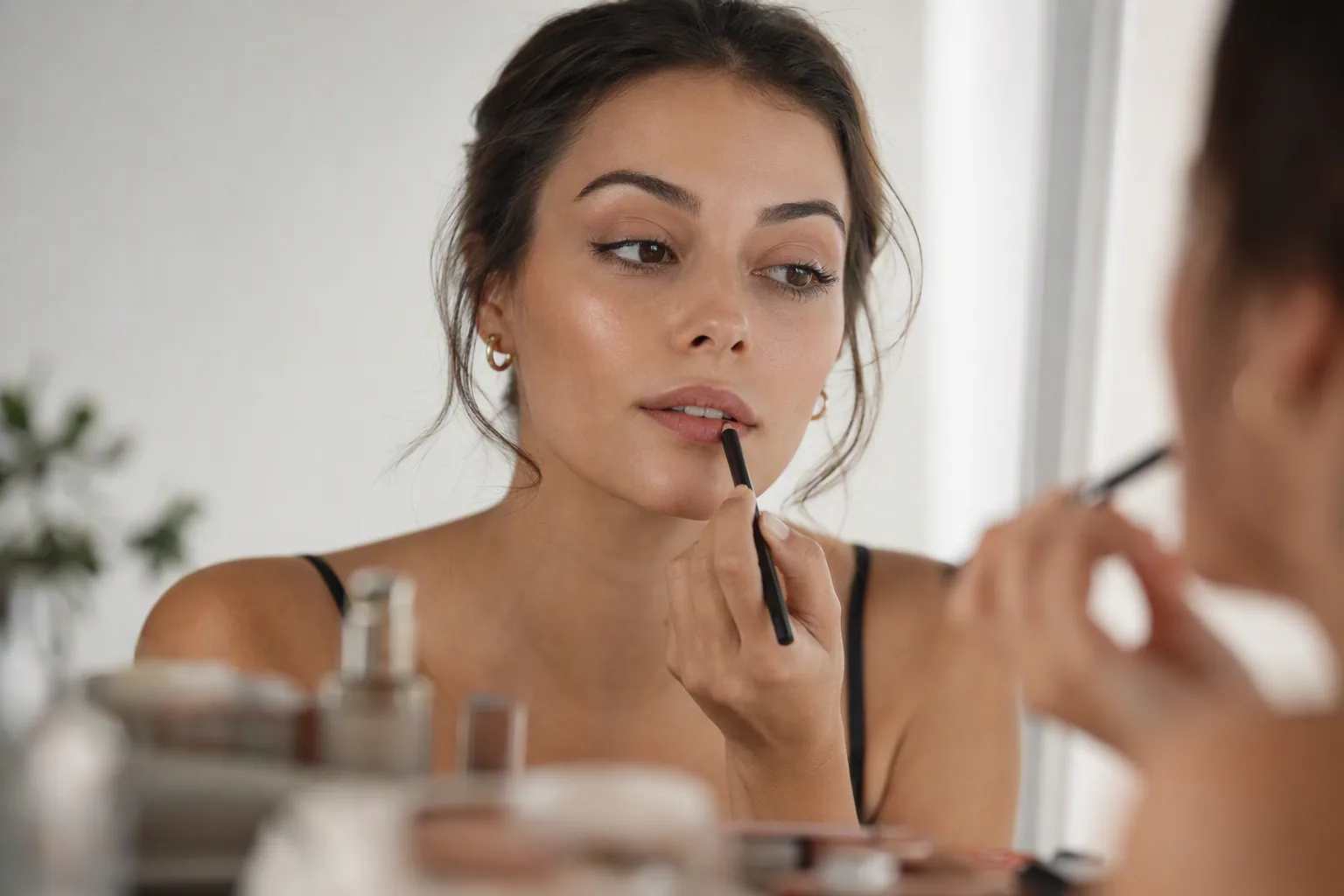
The pitch for virtual makeup is that you can stop buying lipsticks that look nothing like the swatch. That is broadly true, and it is a real saving. But the same technology is also sold as a foundation shade finder, and that claim deserves much more scepticism - enough that it is worth separating the two before you rely on either.
This guide splits AI makeup try-on into what it answers confidently, what it answers roughly, and what it cannot answer at all.
What AI Makeup Try-On Does
The app finds the landmarks on your face - lip outline, eyelid crease, lash line, brow shape, the planes of your cheeks - and renders colour onto those regions. Better systems account for the skin tone underneath, so a sheer product renders differently on light and deep skin rather than being pasted on flat.
Two implementation styles exist. Live camera try-on tracks your face in real time and is fun for scrolling swatches. Photo-based try-on works from a still image and generally produces a cleaner, more photographic result, which is what you want if you are judging a finished look rather than playing. Visio AI takes the photo-based approach, applying a complete look to a selfie you have already taken.
One distinction shapes everything below. Visio AI is a photo app that previews complete makeup looks rather than individual retail products, so it answers the question "does this suit my face" rather than "is this exactly that brand's shade 320". Brand try-on tools do the opposite. Neither answers both well, and knowing which you are using saves a lot of disappointment.
Where It Is Genuinely Reliable
- Lip colour. The single strongest case. Whether a brick red, a cool berry or a warm nude works against your colouring is immediately visible, and lips are a large, well-defined region that these models handle cleanly.
- Eyeliner and eye shape. Winged, tightlined, smudged, graphic - these are geometric decisions, and geometry renders accurately. Seeing a sharp wing on your own eye shape, rather than on a model with a different lid, settles a lot of questions.
- Brow shape and depth. A heavier brow or a different arch changes a face more than almost any other single element, and it is very hard to imagine accurately. Previewing it is far more informative than describing it.
- Whole-look coherence. Does this eye go with this lip? Is the overall intensity right for a daytime event? This is a judgement about balance, and balance is exactly what a full-face preview shows you.
Where It Is Unreliable - and Why
Foundation and concealer shades. This is the big one. Shade matching depends on undertone, on how a formula oxidises on your skin over a few hours, and on lighting conditions the app knows nothing about. Worse, a common failure mode is that three or four adjacent shades all look like a match in the preview, which leaves you no better off than when you started. Use virtual try-on to rule shades out, never to rule one in. For base products, a physical swatch along the jaw in daylight is still the only method that works.
Texture and finish. Matte, satin, dewy, glitter, metallic, sheer - previews render these approximately at best. A product photographed as a creamy satin can be rendered as a flat block of colour, which changes how the whole look reads.
Wear and behaviour. Nothing in an image tells you whether a lip colour transfers, whether a liner migrates into the crease by hour four, or whether a base separates over the nose. These are the questions that actually determine whether you repurchase.
Skin response. A preview cannot flag an irritant or an ingredient you react to. Patch testing is unaffected by any of this.
Photo dependence. Results vary with the source photo. Strong coloured lighting, heavy existing makeup, a beauty filter already baked in, or a low-resolution image all degrade the render - and a bad render tends to look plausible rather than obviously broken, which is the dangerous kind of wrong.
Testing a Look Before an Event
This is where virtual try-on earns its place most clearly. Weddings, graduations, birthdays and photo sessions all involve deciding a look in advance, and the traditional method - a full trial run in the bathroom at 9pm - costs an hour and a lot of product.
A faster sequence:
- Take one bare-faced selfie in the light closest to the event: daylight for a daytime wedding, warm indoor light for an evening.
- Preview three genuinely different intensities - soft, mid and full - rather than three variations on the same idea.
- Look at each at arm's length and then at thumbnail size. Makeup that reads well up close can disappear entirely in photographs, and the reverse is also true.
- Pick a direction, then do one physical trial of that direction only. You have replaced three trials with one.
If the event also involves a hair decision, make both at once on the same photo. A strong lip with a different hair colour is a different proposition than with your current one, and our guide to matching hair colour to skin tone covers the undertone logic that applies to makeup too.
Briefing a Makeup Artist
If you are booking someone, a preview on your own face is a much better brief than a saved image of a stranger. Describing what you want in words tends to fail - soft, natural and glam mean different things to different people - whereas an image of the look on your face removes the ambiguity about intensity and placement.
Two caveats to keep the conversation productive: bring it as a direction rather than a specification, since an artist can see things about your skin and eye shape that the render cannot, and do not expect them to match a rendered foundation shade. Show them the eye and the lip; let them handle the base.
Photo Checklist for a Reliable Preview
- Bare face, or as close to it as practical. Existing makeup layers under the render.
- Even, neutral light. Avoid warm bulbs, coloured LEDs and direct sun.
- Face straight on, eyes open, hair back off your face.
- No beauty filter and no skin-smoothing mode.
- High enough resolution that your lash line is visible when you zoom in.
- One consistent base photo if you want to compare looks fairly.
Try It on Your Own Photo
Visio AI is a photo app for iPhone and Android that applies makeup looks, hairstyles, hair colour and outfits to a selfie. It runs on your phone rather than in a browser. Start with the comparison that tells you the most:
- Take one bare-faced photo in daylight.
- Open AI makeup and apply the same look at two intensities.
- Then apply two completely different looks - one lip-led, one eye-led - and see which your face carries better.
- Save the winner. Use it as a brief, a shopping list, or a reason not to buy the fourth nude lipstick.
For a complete pre-event preview, run the makeup look alongside outfit try-on on the same photo, then generate a portrait to see how the combination reads in something closer to photographic light.
Try a Makeup Look on Your Own Selfie
Download Visio and preview a full look on your photo before you buy anything.


Frequently Asked Questions
Is AI makeup try-on accurate?
It is accurate for bold, well-defined elements - lip colour, eyeliner shape, brow shape, blush placement - and for judging whether a whole look suits you. It is not accurate for foundation or concealer shade matching, and it cannot represent texture, finish or how a product wears over a day.
Can I use virtual try-on to find my foundation shade?
Use it to eliminate shades, not to select one. Shade matching depends on undertone, oxidation over several hours and real lighting, none of which a preview models. Several adjacent shades usually look equally correct on screen. A physical swatch along the jaw in daylight remains the reliable method.
What is the difference between live AR makeup try-on and photo-based try-on?
AR try-on tracks your face on a live camera feed, which is quick for scrolling swatches but lower fidelity. Photo-based try-on renders a look onto a still image, producing a cleaner, more photographic result that is better for judging a finished look. Visio uses the photo-based approach.
Will the look on screen be the look I get?
Close, for placement and colour direction. Less close for finish and intensity, which depend on the specific product and how much you apply. Treat the preview as a direction to aim at rather than a guaranteed result, and do one physical trial before an important event.
Does the source photo matter?
A lot. Bare skin, even neutral lighting, a straight-on angle, hair off the face and no beauty filter all improve accuracy. Coloured lighting or an already-filtered image produce renders that look plausible but are misleading, which is harder to catch than an obvious error.
Can virtual try-on replace a makeup artist?
No, and it is more useful as a way of briefing one. An artist reads your skin, eye shape and the light in the room in ways a render cannot. Bringing a preview of a look on your own face removes the ambiguity from words like natural or glam, which makes the booking go better.