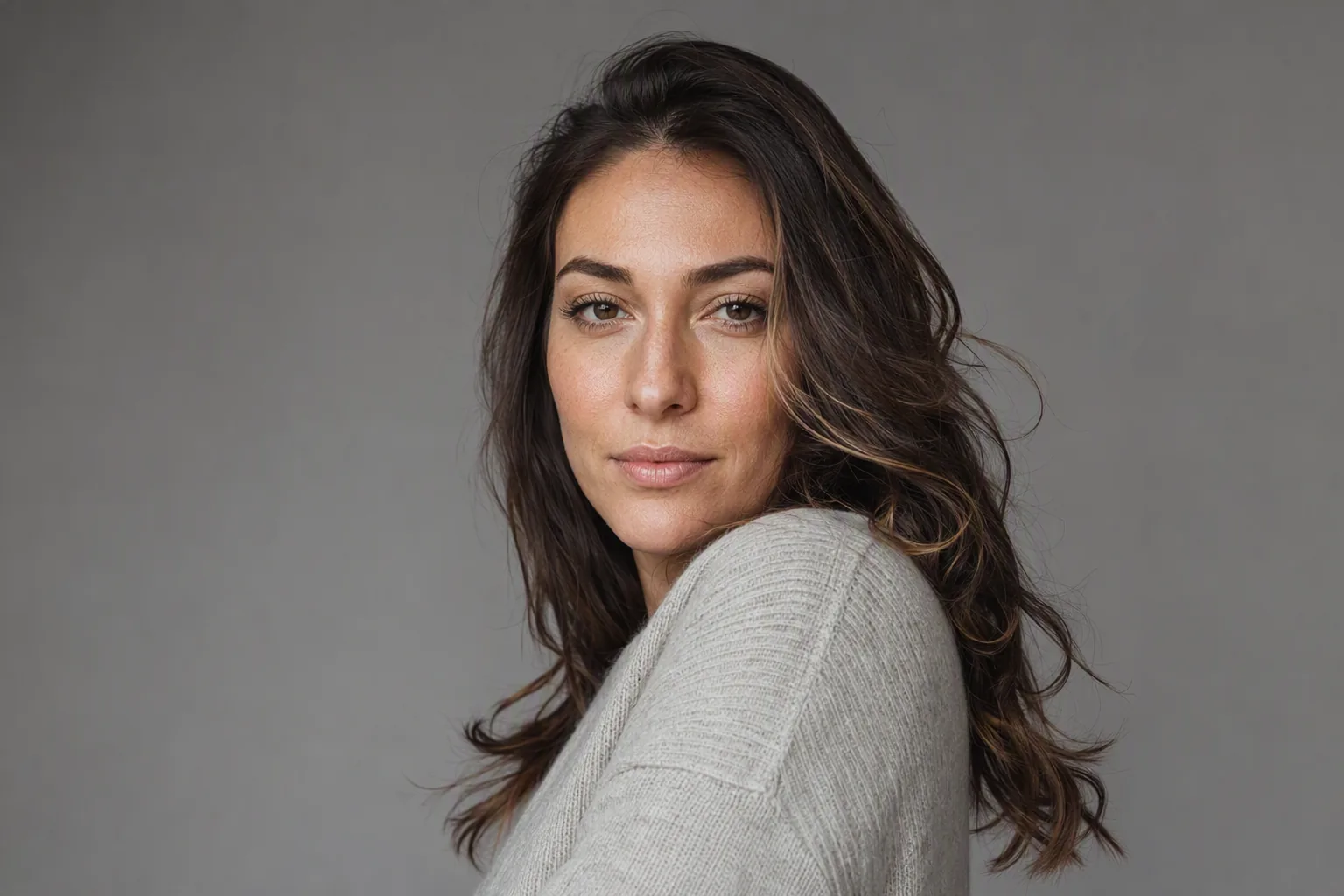
An AI photoshoot produces portraits that look like they came out of a studio session, except no studio was booked and no shutter was pressed. You hand the app photos of yourself, pick a lighting and wardrobe style, and it renders new images of your face inside that scene. Results range from genuinely useful to obviously wrong, and the difference is mostly decided before you tap anything - by the photos you feed it.
If you arrived here from a search for an AI photoshoot app, you have already read a dozen pages promising results nobody can tell from real photography. Some of that is true. The parts that are not tend to be exactly the parts that matter when you need the photo for something official.
What an AI Photoshoot Actually Is
A traditional photoshoot records light that bounced off you at a particular moment. An AI photoshoot records nothing. It builds a new image from a model that has learned your face from the photos you supplied, then places that face into a scene it also invents.
Two consequences follow from that, and between them they explain almost every glowing review and every angry one-star complaint you will find:
- Consistency becomes free. Because the scene is generated rather than found, you can have twenty portraits in identical lighting, framing and wardrobe without a reshoot. That is hard and expensive with a camera, which is why company team pages were an early real use case.
- Accuracy is not guaranteed. The output is a plausible portrait of someone who resembles you. Skin texture is smoothed, moles and scars migrate, the jawline narrows a little, and hands come out wrong more often than faces do. The model optimises for a convincing image, not a faithful one.
Hold onto the second point. Likeness drift is not a bug a newer model quietly fixes; it is what generation means. Visio AI and every comparable tool can minimise it. Nothing removes it.
How the Process Works, Step by Step
- You supply source photos. Some tools want twenty images; app-based ones work from a single clear selfie. More material means better likeness only if the photos are varied - ten near-identical shots teach the model very little.
- The model reads your features. Face shape, proportions, skin tone, hair, eye colour and the relationship between all of them are extracted into something the generator can work with.
- You choose a style. This is the part that decides whether the result reads as professional or as a filter. A cinematic lighting setup reads very differently from a soft daylight portrait, and neither suits every purpose.
- Generation runs. Typically seconds to a couple of minutes per batch.
- You cull, hard. Expect to discard most of what comes back. That is true of real photoshoots too; the difference is that here you are the art director, so you must be honest about which images look like you rather than which flatter you.
Where an AI Photoshoot Is Genuinely Good Enough
There is a real category of jobs where an AI portrait is not a compromise at all:
- Profile pictures on professional networks. A clean, well-lit, current portrait beats a cropped wedding photo from 2019. If you want the specifics of getting this one right, the AI headshot guide covers framing, wardrobe and mode selection in more depth.
- Team and about pages. Twelve people in twelve different countries, one consistent look, no travel budget.
- Social and dating avatars. One caveat worth taking seriously: if the picture stops looking like the person who turns up, it has failed at its only job.
- Planning a real shoot. This is the underrated one. Before you book a photographer, use AI previews to settle what you will actually wear and how you want your hair - test a different cut or a new hair colour on your own photo first, then arrive at the studio having already made those decisions.
Where a Real Photographer Still Wins
And there is an equally real category where paying a person with a camera is the right call:
- When the photo has to be a record. Press images, editorial portraits, anything documenting that you were somewhere at some time. A generated image is not evidence of anything.
- Full body, hands and props. Generative models still struggle with hands, held objects, complex jewellery and shoes. Head-and-shoulders is where they are strongest.
- A specific place or product. If the brief includes your actual office, your actual product or your actual team standing together, a camera is the only tool that does that.
- Direction and rapport. A good photographer gets an expression out of you that you cannot get out of yourself. That is a human skill, and most of what you are paying for.
What an AI Portrait Must Never Be Used For
This part is not a matter of taste. AI-generated and AI-altered portraits are not valid for passports, national identity cards, visa applications or driving licences. Issuing authorities require an unaltered photograph of you, and several have tightened their wording specifically to cover generative tools. Submitting one risks a rejected application, a wasted fee and a delay you did not budget for.
The same applies to identity verification generally: right-to-work checks, financial onboarding and similar processes want a genuine photograph. Visio AI is a creative photo app; its photoshoot modes are not an ID photo service. For an ID photo, use a booth or a photographer working to your country's specification. The same goes for anywhere a client or employer asks for an unedited image.
Checklist: Source Photos That Produce Usable Results
Most disappointing AI photoshoots are traceable to the input. Before you upload, check the source photo against this list:
- Your face is sharp and reasonably large in frame - not a distant group shot.
- Even light on your face. Soft daylight near a window beats direct sun or a single overhead bulb.
- Nothing covering your face: no sunglasses, no hand on chin, no hair across one eye.
- No heavy beauty filter already applied - you would be asking the model to learn a face that is not yours.
- If the tool accepts several photos, vary the angle, the lighting and the clothing between them.
Two habits that pay off: shoot a fresh photo rather than digging one out of your camera roll, and if the background is chaotic, run it through a background remover first.
Try It on Your Own Photo
Visio AI is a photo app for iPhone and Android that generates studio-style portraits from a single selfie, alongside hairstyle, hair colour, outfit and makeup try-on. It runs on your phone rather than in a browser. To test whether an AI photoshoot clears your bar:
- Take one fresh, well-lit selfie against a plain wall.
- Open the photoshoot modes and pick two contrasting styles rather than five similar ones.
- Generate, then compare the results side by side with the original selfie - not with each other.
- Ask one question: would someone who knows you recognise this instantly? If not, the source photo is usually the fix, not the style.
If you need a business portrait rather than a creative one, start from AI headshots instead - same technology, tighter constraints on framing and wardrobe.
Run an AI Photoshoot on Your Own Photo
Download Visio, upload a selfie, and see a studio-style portrait in about a minute.


Frequently Asked Questions
What is an AI photoshoot?
An AI photoshoot is a set of portraits generated from photos of you rather than captured in a studio. You upload one or more source images, choose a lighting and wardrobe style, and the app renders new pictures of your face inside that scene. The output looks like studio photography but is a generated image, not a record of a real moment.
Is an AI photoshoot good enough to replace a photographer?
For profile pictures, team pages and social avatars, usually yes. For anything that has to document a real moment, involves your actual workplace or product, or needs full-body and hand detail, a photographer is still the better tool. Many people use both: AI to keep a profile current, a photographer when the image genuinely matters.
Can I use an AI photo for a passport or driving licence?
No. AI-generated and AI-edited portraits are not valid for passports, national ID cards, visas or driving licences. Issuing authorities require an unaltered photograph, and submitting a generated one risks rejection and delay. Use a photo booth or a photographer working to your country's specification instead.
Why do AI portraits sometimes not look like me?
Usually the source photo: low light, an odd camera angle, a filter already applied, or your face too small in frame. Sometimes the style is simply too strong and heavy stylisation overrides your features. Reshooting in soft daylight at eye level fixes most likeness problems.
How many photos do I need to upload?
It depends on the tool. Some services want fifteen to thirty images; app-based generators such as Visio work from a single clear selfie. Where multiple photos are accepted, variety helps more than volume.
Should I tell people a photo is AI-generated?
On profiles where people will meet you, the photo should look enough like you that the question does not arise. Some platforms and employers have explicit rules about generated imagery, so check before you upload. If a platform asks for an unedited photograph, an AI portrait does not meet that requirement.