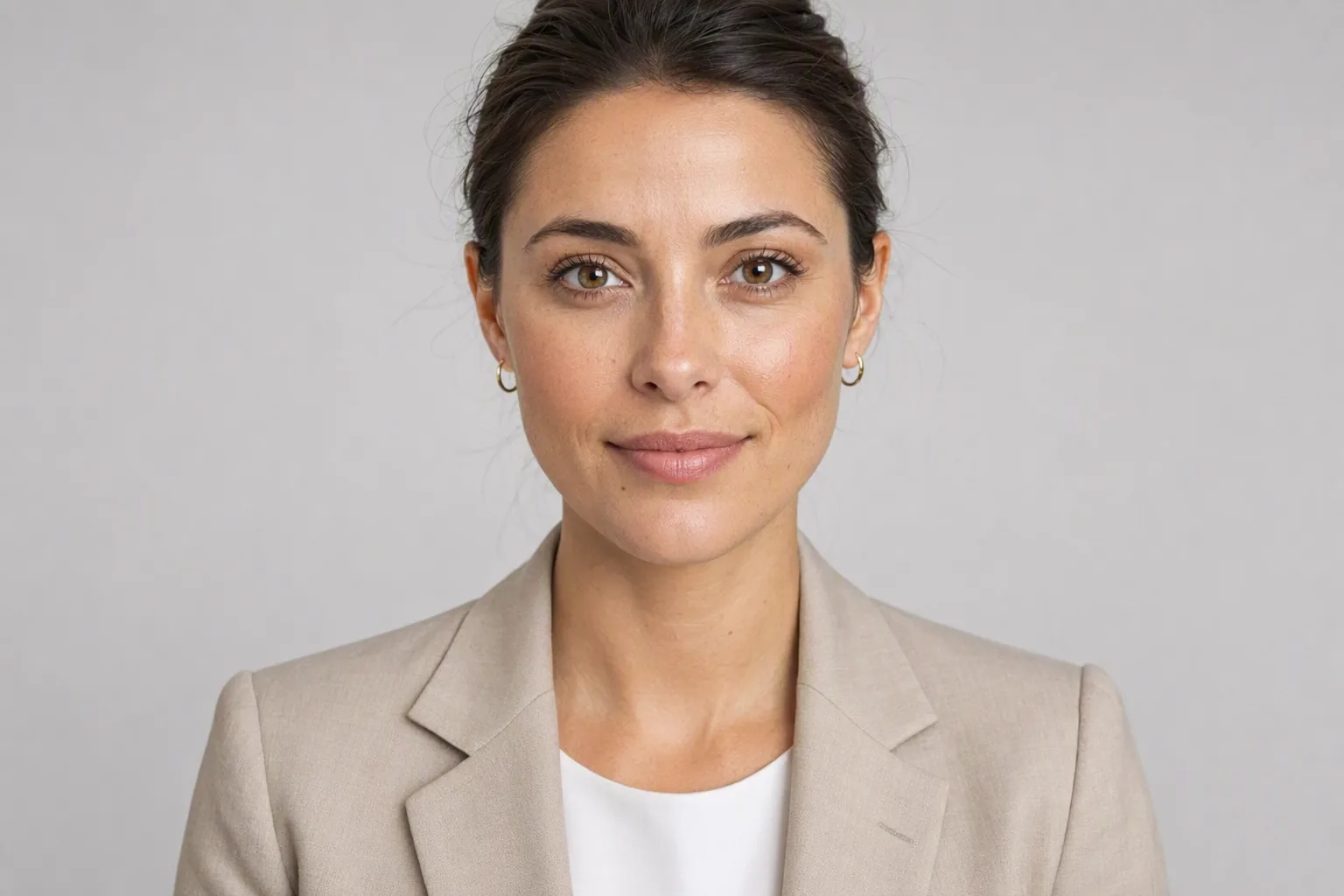
Most advice about job-application photos is written as if there were one global rule. There is not. A CV photo that is standard practice in Munich will get an eyebrow raised in Manchester, and a photo-free CV that reads as clean and modern in Sydney can read as incomplete in Seoul. Before you spend any time on the picture itself, work out whether the market you are applying into wants one at all.
Then, separately: your professional photo still has a job to do. It has just moved. Recruiters in photo-free markets check your LinkedIn profile as a matter of routine, so the portrait you were going to attach to the CV should live there instead.
The Convention Depends on Where You Are Applying
Roughly, the world splits into three groups. Treat this as a starting point and check the specific employer, because sectors vary:
- Photo strongly discouraged - UK, Ireland, US, Canada, Australia, New Zealand. The driver is anti-discrimination practice. Recruiters in these markets are often trained to avoid forming impressions based on protected characteristics, and some organisations anonymise applications outright. A photo can make a CV awkward to process rather than impressive. The standard exceptions are performance-facing roles - acting, modelling, presenting - where a headshot is part of the professional package.
- Photo expected or normal - Germany, Austria, Switzerland, and commonly Japan, South Korea and China. In the German-speaking market the photo is a long-standing part of the Bewerbungsfoto convention and its absence can read as careless, even though employers there are no longer permitted to require one. In Japan and Korea, the application photo is closely specified in size and presentation.
- Optional and drifting away - France, Italy, Spain, the Netherlands, the Nordics, much of Central and Eastern Europe. Older templates include a photo, newer guidance often omits it, and either choice passes without comment. When in doubt in this group, leave it off and make sure your LinkedIn photo is good.
One practical footnote regardless of market: if you are applying through a portal that parses your CV automatically, an image floating in a header is one more thing that can garble the parse. That alone is a decent reason to keep the document text-only.
What a Usable Job-Application Photo Looks Like
The bar is lower than people think, and different from a fashion portrait. A working professional photo needs to do three things: show your face clearly, look current, and not distract. That is it.
- Framing: head and the top of the shoulders. Your face should fill a decent share of the frame - a tiny head in a wide landscape shot reads as an amateur crop.
- Background: plain and quiet. A neutral wall, a soft grey, an out-of-focus office. Anything with visible clutter competes with your face.
- Lighting: even and from the front. Harsh shadow on one side of the face is the single most common flaw in self-shot portraits.
- Expression: approachable and relaxed. A closed-mouth smile suits most sectors; a broad grin suits client-facing and creative roles; a flat neutral face rarely helps anyone.
- Wardrobe: one notch smarter than the daily dress code of the job you want. Solid colours photograph better than fine patterns.
- Currency: it should look like you now. A photo from six years and one major haircut ago is worse than no photo.
If you want to work through mode selection and styling in more detail, the AI headshot generator guide goes deeper on the production side, and the AI photoshoot guide covers when generated portraits are good enough in general.
Where an AI Photo Is Fine - and Where It Is Not
Being precise about this matters, because the two cases get blurred constantly in marketing copy.
Reasonable uses. Profile pictures on professional networks, an internal staff directory, a company about page, a speaker biography, a portfolio site. In all of these, the photo is a representation of you, and everyone involved understands it as such. Nobody is verifying your identity from it.
Uses that are off the table. A generated or AI-altered portrait is not valid for a passport, a national identity card, a visa application or a driving licence. Issuing authorities require an unaltered photograph and have been explicit about generative tools. The same goes for right-to-work checks, financial onboarding and any process where the photo is being used to confirm that you are who you say you are. Visio AI is a creative photo app, not an ID photo service, and does not claim otherwise.
The grey area. Some employers, agencies and public-sector bodies ask for an unedited photograph. If that is stated, an AI portrait does not satisfy it, no matter how natural it looks. And there is a self-interested reason to keep generated portraits honest: if the person at the interview does not look much like the picture, the picture has cost you goodwill rather than earned it. Keep the likeness tight. Resist the urge to accept the version that gave you a sharper jawline.
Making One With Visio AI
Visio AI is a photo app for iPhone and Android that turns a single selfie into business-appropriate portraits, so the practical path is short:
- Take a fresh selfie in soft daylight, facing a window, camera at eye level, plain wall behind you.
- Open AI headshots and choose a business or business-casual mode rather than a dramatic one - this is the step where most CV photos go wrong.
- Compare results against the original selfie and keep only the ones that read unmistakably as you.
- If the generated background is busier than you want, tidy it with the background remover and drop in a flat neutral.
- Export square for profile use. Keep the original selfie - you will want to regenerate in a year rather than reuse a stale portrait.
If you want a slightly warmer, less corporate register - useful in creative, education and non-profit sectors - the LinkedIn headshot mode sits between a formal studio look and a natural daylight one.
Checklist Before You Attach It
- Have I confirmed whether this market and this employer expect a photo at all?
- If the answer is no, have I left it off the CV and put it on my profile instead?
- Does the photo look like me as I look this year?
- Is my face clearly lit, unobstructed and large enough in frame?
- Is the background quiet enough that nobody reads it before they read my face?
- Is the wardrobe right for this sector, not just flattering?
- Am I confident this is not being used anywhere identity is being verified?
Try It on Your Own Photo
The fastest way to find out whether a generated portrait works is to make one and look at it next to your last real photo. Take one selfie, generate two business modes, and put all three side by side. If a colleague would pick the generated one out as odd, fix the source photo - better light, straighter angle, less filter - before you blame the app. If you are rethinking your look before a round of interviews, previewing a different cut or hair colour on your own photo is cheaper than a salon appointment you regret.
Make a Professional Photo From a Selfie
Download Visio and generate a clean, business-appropriate portrait in about a minute.


Frequently Asked Questions
Should I put a photo on my CV?
It depends on the country. In the UK, Ireland, the US, Canada, Australia and New Zealand, leave it off - recruiters generally expect a photo-free CV and anti-discrimination practice discourages images. In Germany, Austria, Switzerland, Japan, South Korea and China a photo is still normal. Across France, Italy, Spain, the Netherlands and the Nordics it is optional and increasingly omitted.
Can I use an AI-generated photo for a job application?
For a profile picture on a professional network, a staff directory or a portfolio site, yes - it is a representation of you and is understood as one. It is not acceptable where an employer explicitly asks for an unedited photograph, and it is never acceptable for a passport, national ID card, visa or driving licence.
Is an AI photo allowed for a visa or work permit application?
No. Visa, passport, national identity card and driving licence applications require an unaltered photograph taken to a published specification. AI-generated or AI-edited images are rejected. Use a photo booth or a photographer who works to your country's requirements.
What should I wear in a professional photo?
One notch smarter than the everyday dress code of the role you are applying for. Solid colours photograph more cleanly than fine patterns, which can shimmer at small sizes. Avoid logos.
Where should my professional photo go if not on the CV?
On your LinkedIn or equivalent professional profile. In photo-free markets recruiters check profiles as a matter of routine, so that is where a current, well-lit portrait earns its keep. A profile with no photo at all is a bigger gap than a CV without one.
How often should I update my professional photo?
Whenever it stops looking like you - realistically every two to three years, or sooner after a significant change in hair, glasses or facial hair. The main failure of a professional photo is not being unflattering; it is being out of date.